
Navigation and refactoring
All of this works from PHPBlitz's own index of your project and vendor/, with no language server needed. The index is cached in the project's .blitz folder.
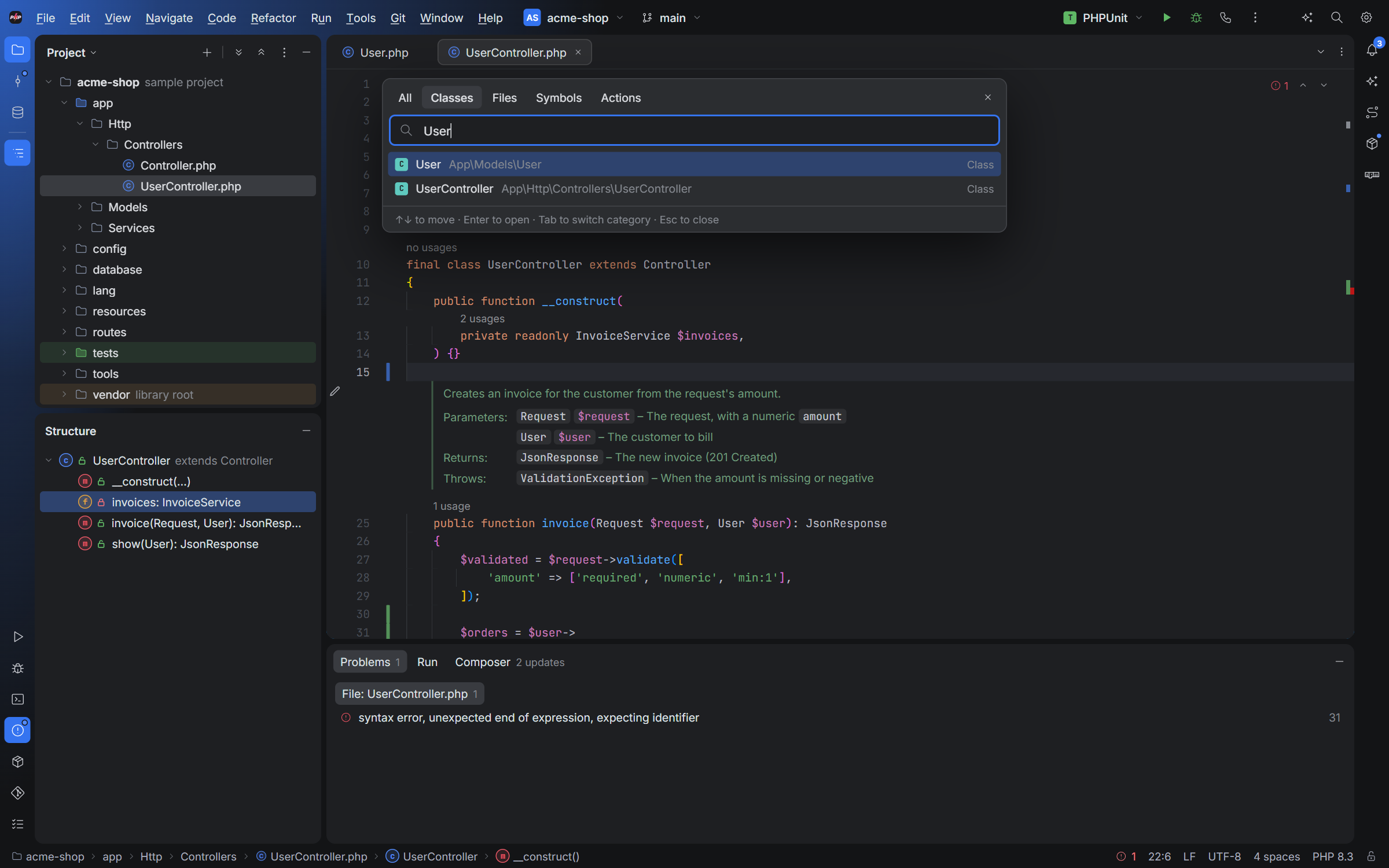
Finding things
| To | Press |
|---|---|
| Search everything: classes, files, symbols, actions | Double Shift |
| Go to a class / file / symbol | Ctrl+N / Ctrl+Shift+N / Ctrl+Alt+Shift+N |
| Find an action | Ctrl+Shift+A |
| Find in Files / Replace in Files | Ctrl+Shift+F / Ctrl+Shift+R |
| Recent files | Ctrl+E |
| Recent locations: where you've been and what you changed | Ctrl+Shift+E |
Following code
| To | Press |
|---|---|
| Go to Definition | Ctrl+B or Ctrl+click |
| Find Usages (in a tool window) | Alt+F7 |
| Show Usages (a popup at the code) | Ctrl+Alt+F7 |
| Back / Forward | Ctrl+Alt+← / Ctrl+Alt+→, or the mouse's side buttons |
| Last edit location | Ctrl+Shift+Backspace |
| Reopen the last closed tab | Ctrl+Shift+T |
Usages on values of a known type are exact. A call on a value of unknown type ($anything->save()) is a dynamic usage, maybe this method, maybe another with the same name; the usages popup lets you include or leave them out. When no other class declares a member with that name, PHPBlitz knows it can only be this one.
Rename
Shift+F6 renames a class, method, property, constant, function or variable, with its usages in every file. Open files change in their editor (undoable, unsaved like any edit); the others are changed on disk. A class whose file is named after it (Post.php) is renamed with its file.
Fixing a typo with Alt+Enter ▸ Rename to… does the same at once, without the dialog.
These are the PHPBlitz keymap's keys: see keyboard shortcuts for every keymap.